Get the latest product, how-to guides, tips, and use cases, all in one places
AI Workspace+AI Automate =Real Business Value
Go beyond one prompt at a time. Let AI run everyday workflows like Order to Cash and Customer Service for you.
Start Automation Today Request Demo
Prompt AI
One task at a time


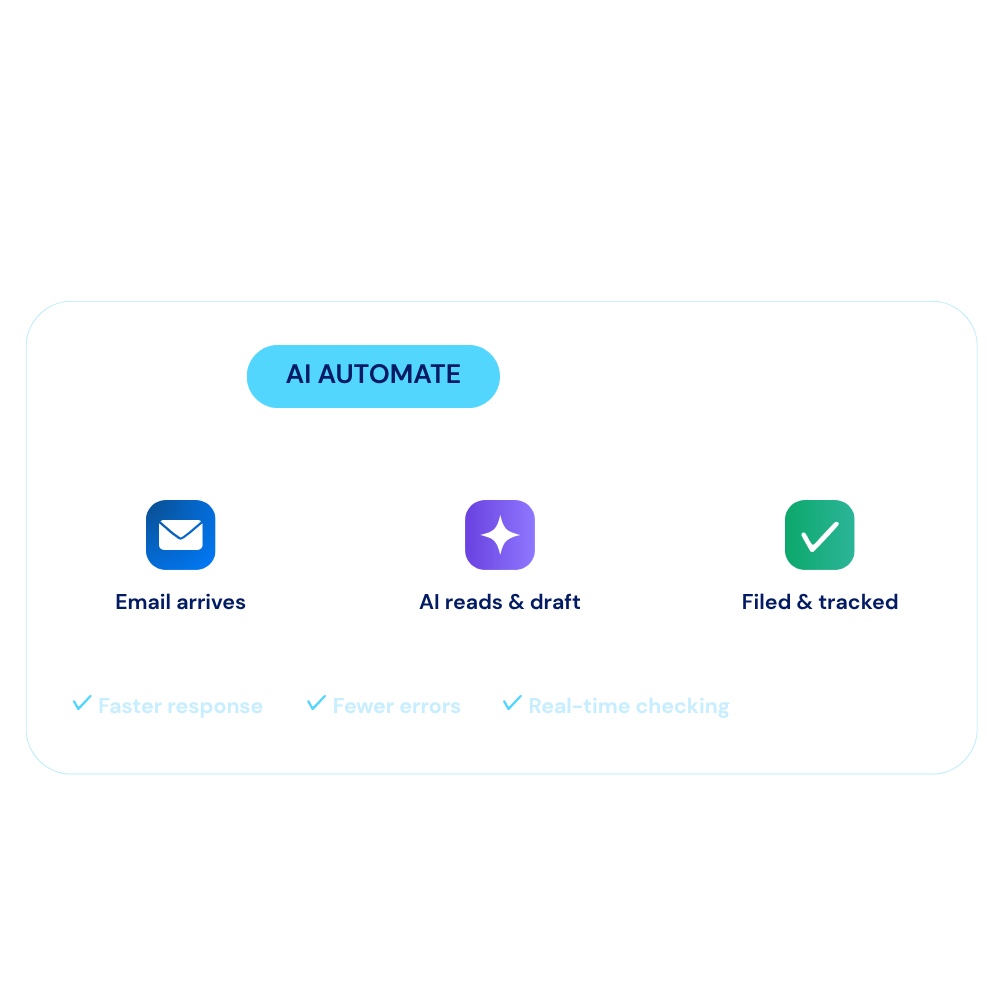
Your intelligent workspace for managing documents, connecting knowledge, creating content, collaborating with AI, and automating business processes.
Request Demo
Open AI Workspace
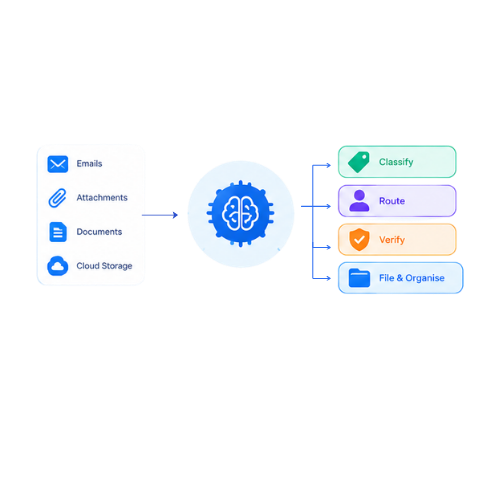
Read your mail box, understand documents, make decisions, route information and file documents automatically.
Start Your Automation Today
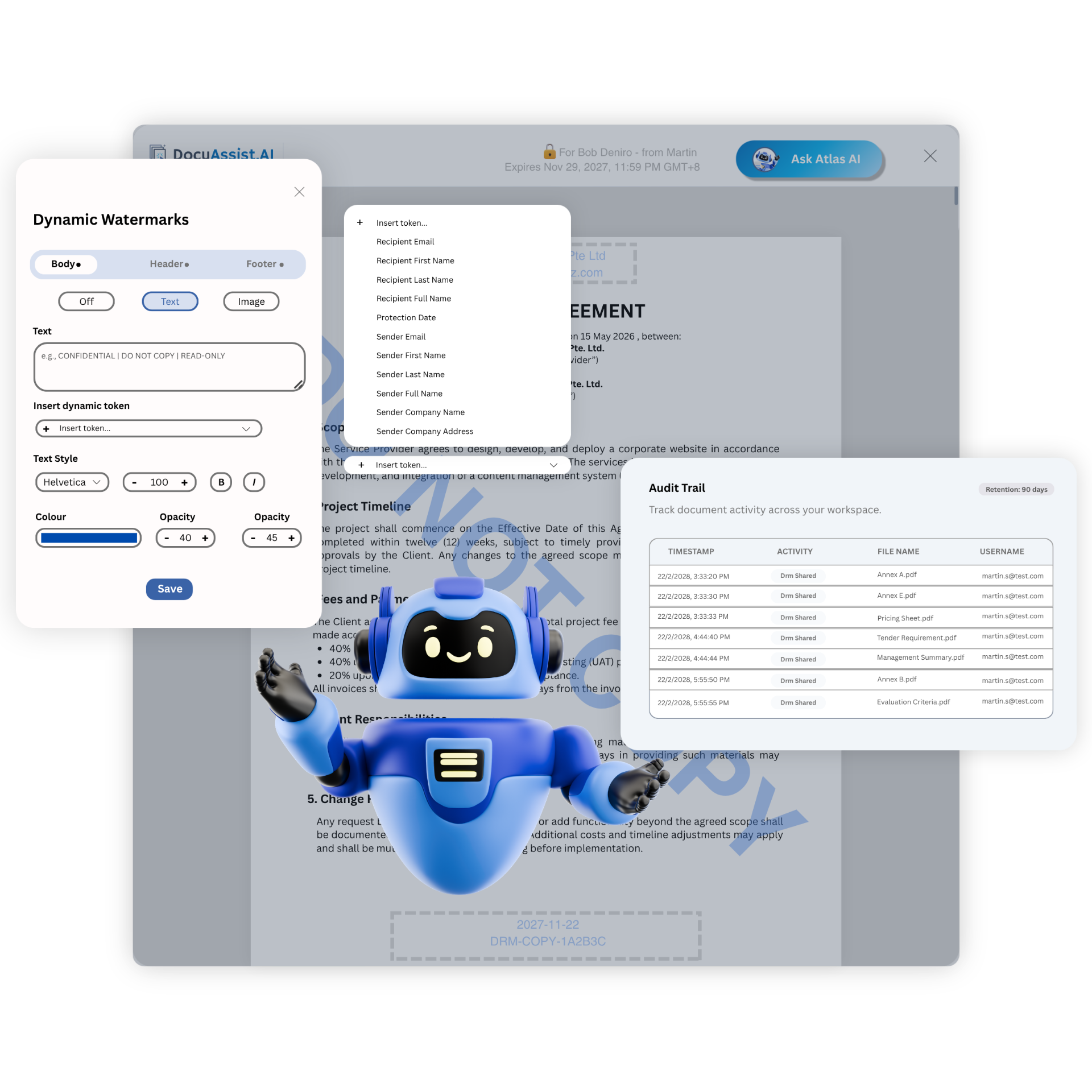
Protect your valuable content while making it easy to share. DocuAssist.AI combines Digital Rights Management (DRM) with AI guardrails to ensure your copyrighted documents reach the right people.
Request Demo
See DRM in action
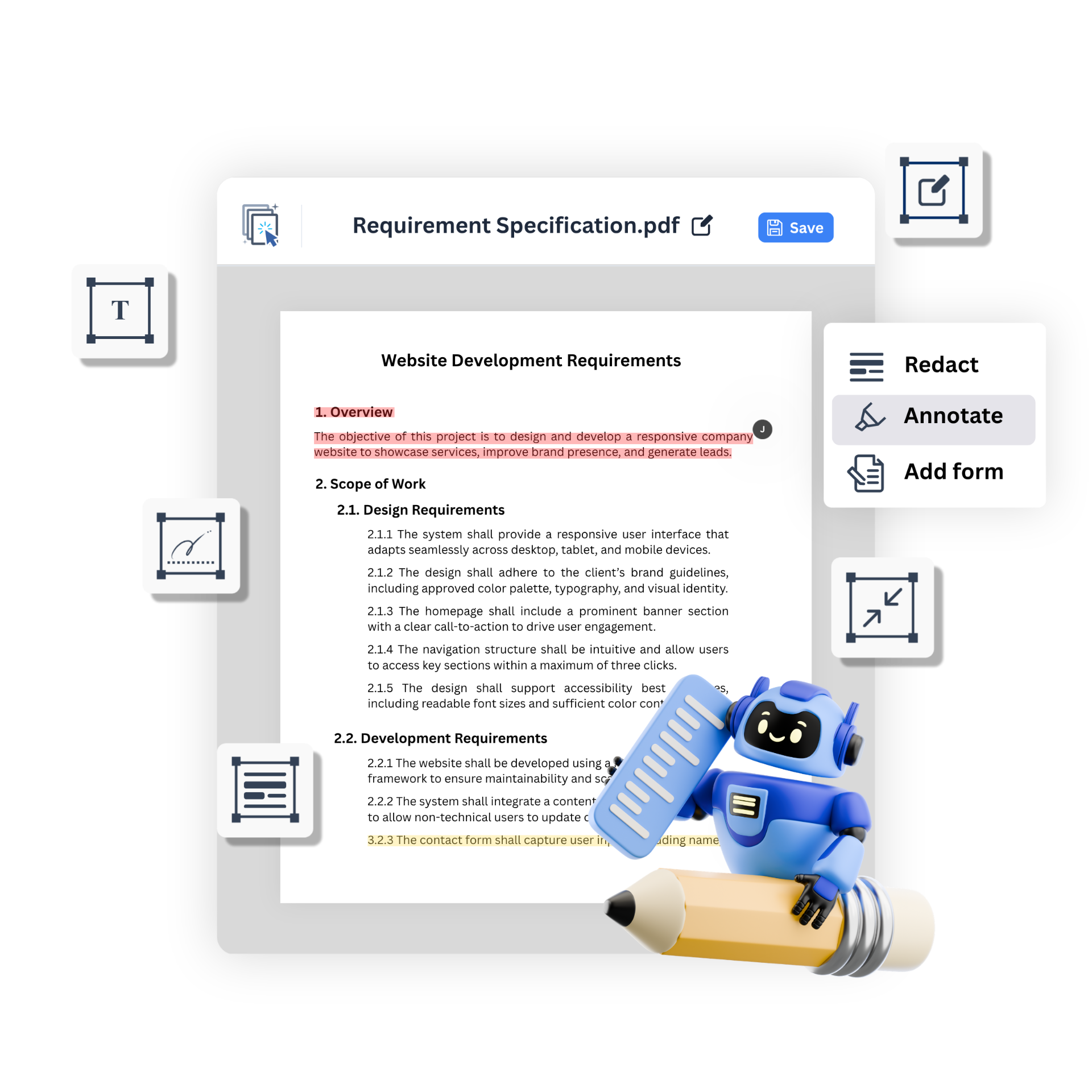
Save time and effort with DocuAssist.AI's powerful PDF tools. Automate repetitive tasks, process hundreds of files at once, and get accurate results.
Request Demo
Explore PDF tools
Streamline your corporate document lifecycle with advanced multi-model AI, precision PDF tools, and ironclad DRM security with

Create, edit, secure, compress, watermark, and manage multiple PDFs efficiently—all in one suite.

Add Text
Insert custom text anywhere on a PDF page.
Edit Text
Edit existing text directly within a PDF document.

Freehand Drawing
Add freehand annotations or sketches to a document

Highlight Text
Mark up important sections of a document for easy reference.

Insert Images
Add images, logos, or graphics into a PDF.

Self-Signing
Apply your own digital signature to a document.
Request eSignatures
Send documents to others and collect their digital signatures.
In-Person Signing
Collect a signature from another person on a shared device.

Bulk Real Redaction
Permanently remove sensitive data across multiple documents, making it unrecoverable—even by AI.

Bulk File Compression
Compress hundreds of PDFs in bulk while preserving document quality.

Bulk Password Protection
Apply password protection to multiple documents simultaneously.

Bulk Remove Password
Remove password protection from multiple authorized documents in one operation.
Bulk Add Watermarks
Add consistent watermarks across hundreds of documents in bulk.
Bulk Watermark Removal
Remove existing watermarks from multiple documents in a single operation.

Bulk Restriction
Prevent printing, copying, editing, or sharing across multiple PDFs at once.
Bulk Remove Restriction
Remove document usage restrictions from multiple authorized PDFs in bulk.
Secure thousands of documents in a single operation with bulk watermarking, access control, AI protection, and compliance enforcement.

Dynamic Watermark
Protect your files using custom text or dynamic watermarks tailored per recipient.

Time Based Access
Schedule automatic file expiry dates and securely revoke document access at any moment.
Rasterization
Rasterize sensitive documents into secure pixels to completely block text copying, editing, and unauthorized offline access."

Granular Usage Control
Control exactly who accesses your documents by instantly disabling download, print, and copy actions.

Document Blurring
Apply dynamic visual blurring to protect confidential document sections from unauthorized viewing and screenshots.
AI copy protection
Prevent data leakage by completely disabling AI chat text copying and controlling model access permissions
Prevent Copy & Paste
Enforce strict clipboard controls that restrict users from copying and pasting sensitive document contents.

Geo-Fencing
Restrict document availability automatically based on the recipient's country and authorized device IP network.
Audit Trail
Track every upload, modification, and recipient interaction seamlessly within a secure 90-day data retention window.
Centralize your knowledge and accelerate operations in one intelligent hub
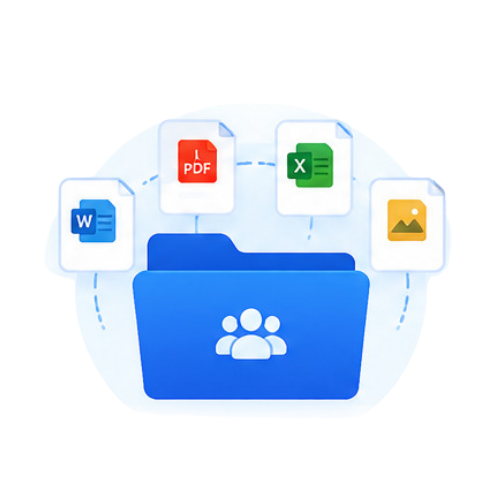
No more constant upload and download of project documents
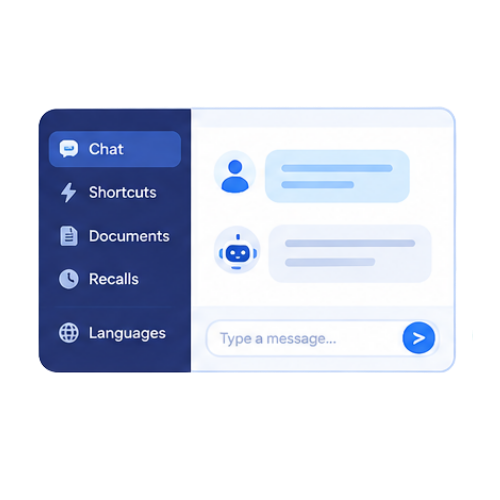
Shortcuts, easy document reference, chat recalls, multilingual.
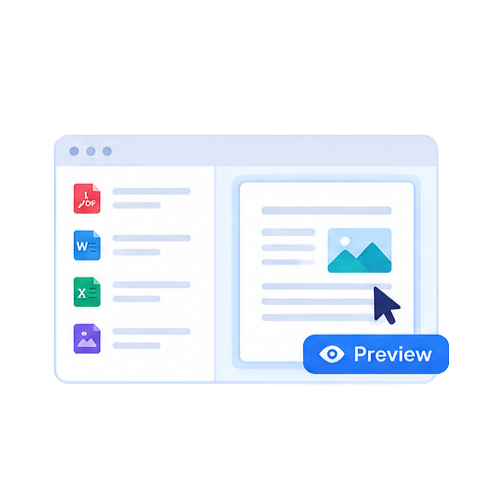
Easily identify and verify documents with single click preview.
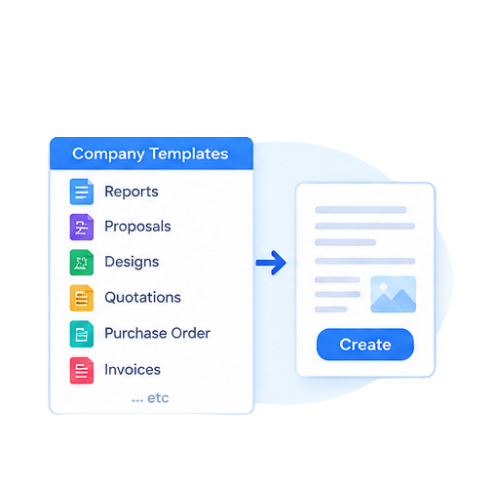
Generate Reports, Proposals, Designs, Quotations, Purchase Order, Invoices easily

Complete and simplify complex tasks fast.

Switch AI models without switching your preferences and re-uploading documents.
AI Automate brings every document into one intelligent search, then reads, routes, and files them for you.
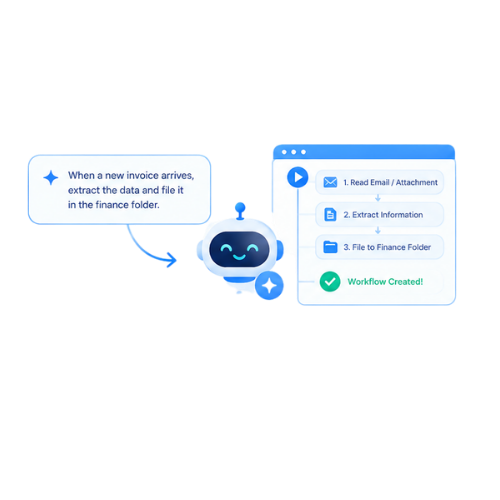
Build powerful AI workflows from a simple sentence. Describe what you want to automate, and let AI turn your instructions into an executable workflow.
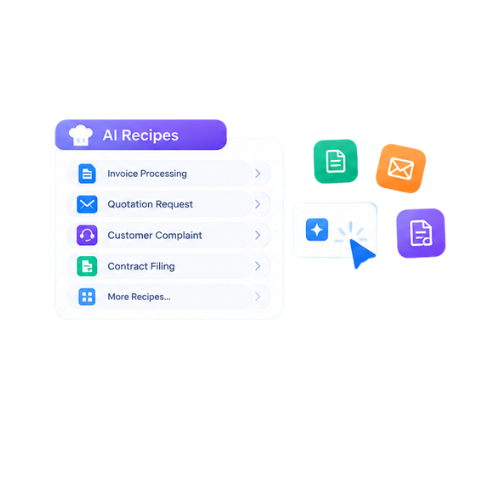
Choose from ready-to-use workflows for common business tasks. Pick, customize and run prebuilt AI Recipes without having to build workflows from scratch.
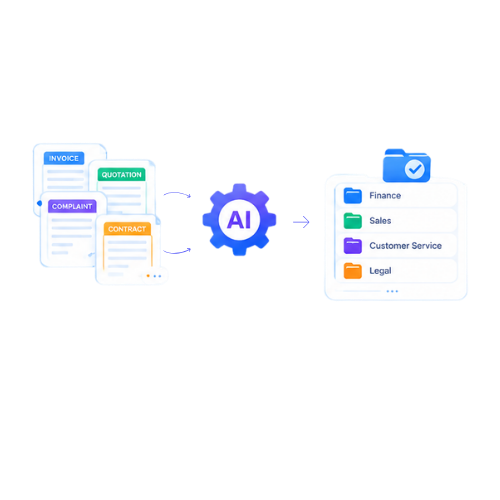
Turn repetitive document and business tasks into automated workflows. Automate tasks such as invoice filing, quotation requests, customer complaints, contract filing and more.
Let AI read, understand, classify and act on your business information. Read emails and attachments, intelligently classify documents, route them to the right people, verify information, and automatically file and organize documents.
BRING YOUR OWN SOURCES
Access and import documents from the platforms you use every day. DocuAssist.AI integrates with OneDrive and SharePoint today, with Google Drive and Gmail coming soon.
Centralize your documents, streamline workflows, and share signature requests instantly via WhatsApp—all from a single AI-powered workspace.





Everything you need to know about our secure document platform, upcoming features, and early access
DocuAssist.AI is an AI-powered document management and processing platform that helps individuals and businesses manage, analyze, secure, and collaborate on documents more efficiently.
It combines AI document intelligence, PDF tools, document storage, and digital rights management (DRM) features in a single platform.
The AI Workspace allows you to upload documents and interact with them using AI.
You can:
This helps reduce manual document review and improves productivity.
DocuAssist.AI can help organize and manage a wide range of documents, including:
Yes. DocuAssist.AI includes built-in PDF tools that allow you to:
These features help reduce the need for separate PDF software subscriptions.
DocuAssist.AI consolidates multiple document-related capabilities into a single platform.
Benefits include:
This helps lower operational costs while improving productivity.
Yes. DocuAssist.AI integrates with commonly used platforms such as:
These integrations help automate document collection and organization without constantly downloading and re-uploading files.
DocuAssist.AI includes multiple security and document protection features, including:
These features help protect confidential information and maintain control over document distribution.
Digital Rights Management (DRM) helps protect sensitive documents by controlling how they are accessed and used.
With DRM features, organizations can:
This is especially useful for contracts, financial records, and other sensitive business documents.
Yes. DocuAssist.AI allows you to create reusable prompt templates.
This helps standardize document reviews, improve consistency across teams, and reduce repetitive work when performing similar document-related tasks.
Unlike general-purpose AI platforms, DocuAssist.AI is specifically designed for document-centric workflows.
It combines:
All within a single platform designed to help users work with documents more efficiently.
Don't just take our word for it.
Discover how real professionals are reclaiming their time with
DocuAssist.AI transforms the way you manage, process, secure, and collaborate on documents—bringing AI-powered productivity into a single, easy-to-use platform.